Online metronome

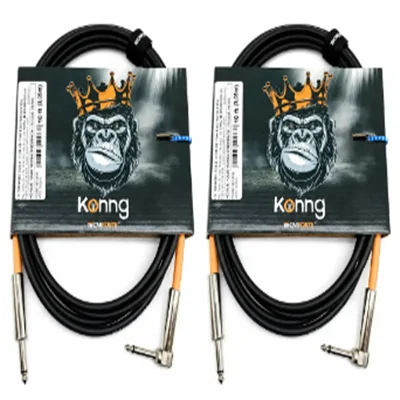
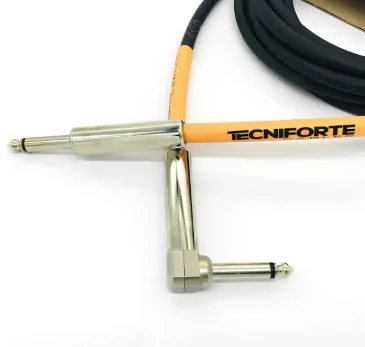
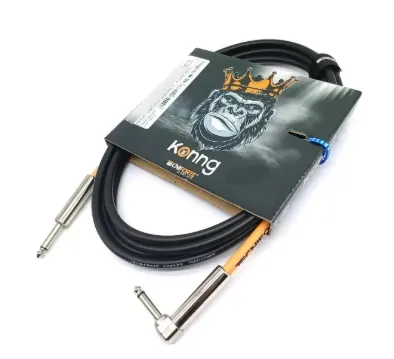
Kit 2 Cabo Tecniforte Gorilla P10 em L, 3m Guitarra Baixo
O modelo possui um conector P10 reto e outro P10 em “L”, facilitando a conexão em diferentes instrumentos e ajudando na organização do cabo durante o uso.

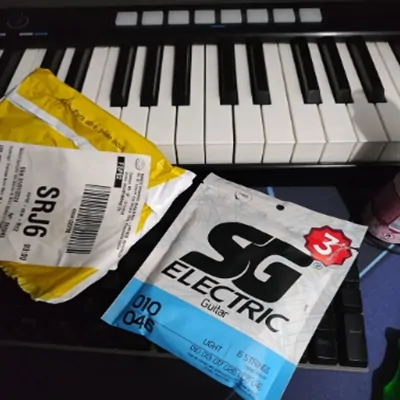
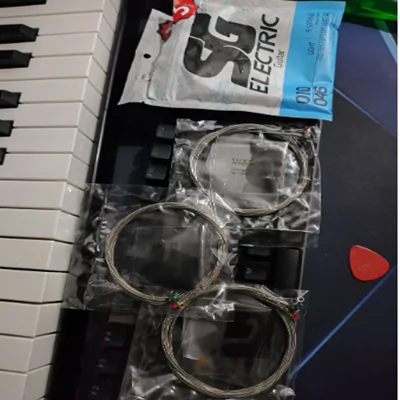
Kit 3 Encordoamentos para Guitarra 010 SG Strings Níquel Elétrica
Desenvolvido pela SG Strings, renomada marca no mercado de acessórios musicais, este kit oferece três jogos de cordas com tensão leve.
About this tool
A simple responsive metronome for guitar, piano, singing and any instrument practice.
How to use
- Choose the BPM.
- Select the time signature.
- Start and practice while keeping a steady pulse.
Why practice with a metronome
A metronome gives you a stable pulse reference. It exposes unintentional speeding up and slowing down that can be hard to notice while you are focused on chords, fingering or singing.
Start at a tempo where you can play without tension. Accurate rhythm at 60 BPM is more useful than an unstable attempt at 100 BPM.
How to increase speed
A simple method is to repeat a passage cleanly several times and then increase by 2 to 5 BPM. If clarity disappears, return to the last comfortable speed.
You can also reduce the number of clicks, for example hearing only beats 2 and 4, to develop an internal pulse instead of depending on a click for every subdivision.
BPM and subdivisions
The same BPM can be felt as quarter notes, eighth notes or other subdivisions. Count aloud at first and keep picking or hand movements consistent with the chosen division.
If you measured a recording with the Cifra Agora BPM detector, use that value as a starting reference and adjust slightly until the click stays aligned with the whole song.
Frequently asked questions
Will it keep playing with the screen off?
For the most stable timing, keep the page open while using the metronome.
Do I need to install software?
No. Just open the tool and use it.
Is the result always exact?
No. Automatic music analysis produces estimates that should be checked by ear, especially with complex recordings.